
 BiOVE File Mask for AILOCAL WINDOWS WORKFLOWProduct & pricing
Excel privacy before AI upload
Prepare an XLSX copy before ChatGPT sees it.
Scan supported spreadsheet content on your Windows device, replace sensitive values, clear supported metadata fields and export a separate workbook for review.
Standard .xlsx · Windows x64 · v1.5.1 · local processing · human review required
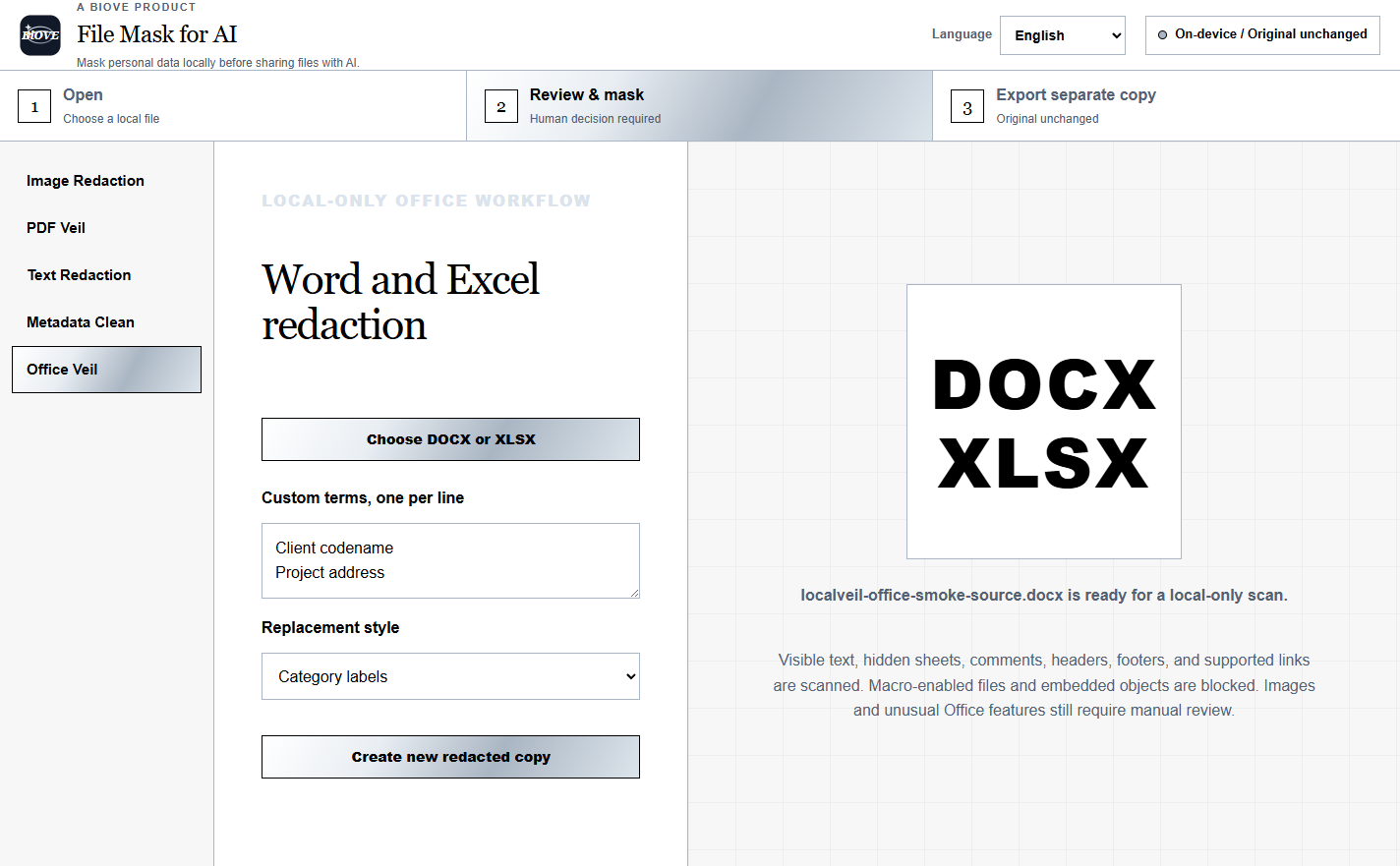
Three-step workbook handoff
Keep customer rows off the upload path.
The current Office workflow rebuilds a separate standard XLSX. It can replace detected or custom terms inside supported workbook XML and clear supported document metadata.
Open a standard XLSX
Select the workbook locally. Macro-enabled files and files with embedded objects are blocked from export.
Choose what changes
Add custom terms and choose category labels, black blocks or first-character replacement.
Export and inspect
Open the new workbook, review formulas, formatting, hidden sheets and every replaced value before sharing.
Current v1.5.1 scope
Know what the Office workflow checks.
For XLSX, supported worksheet cells, shared strings, workbook data, comments, threaded comments and supported link targets are processed. Supported core, app and custom metadata fields are cleared.
- Visible and supported hidden-sheet text
- Comments and threaded comments
- Supported hyperlinks and workbook fields
- Core, app and custom metadata fields
- Macro-enabled Office files are blocked
- Embedded objects block export
Images and unusual Office features still require manual review. Detection can miss values or context. Verify the exported workbook and do not treat this as a compliance guarantee.
Continue the privacy check
Check the file and the destination.
A prepared workbook can still disclose information through the remaining content, your account or the service you upload it to.
Test the actual Office workflow before paying.
The Preview opens real files locally. Paid editions unlock supported clean exports.