

Offline PDF redaction software for Windows
Redact a PDF without uploading it.
Open a supported PDF on your Windows device, review it page by page, place the masks yourself and export a new flattened copy. Your source file stays unchanged.
Windows x64 · version 1.5.1 · local processing · no cloud account · human review required
How it works
Open. Mask. Verify.
The app does not promise automatic or guaranteed redaction. It gives you a local workspace to make and check each decision before the file leaves your device.
Open the PDF locally
Select a supported, non-password-protected PDF. The app renders one page at a time on your Windows device.
Place and save masks
Draw over the private regions you identify, save the current page and continue through the document.
Export and inspect
Create a new flattened PDF, open it again and check every page before sending it to anyone.
What “flattened” means
The output is a new visual copy.
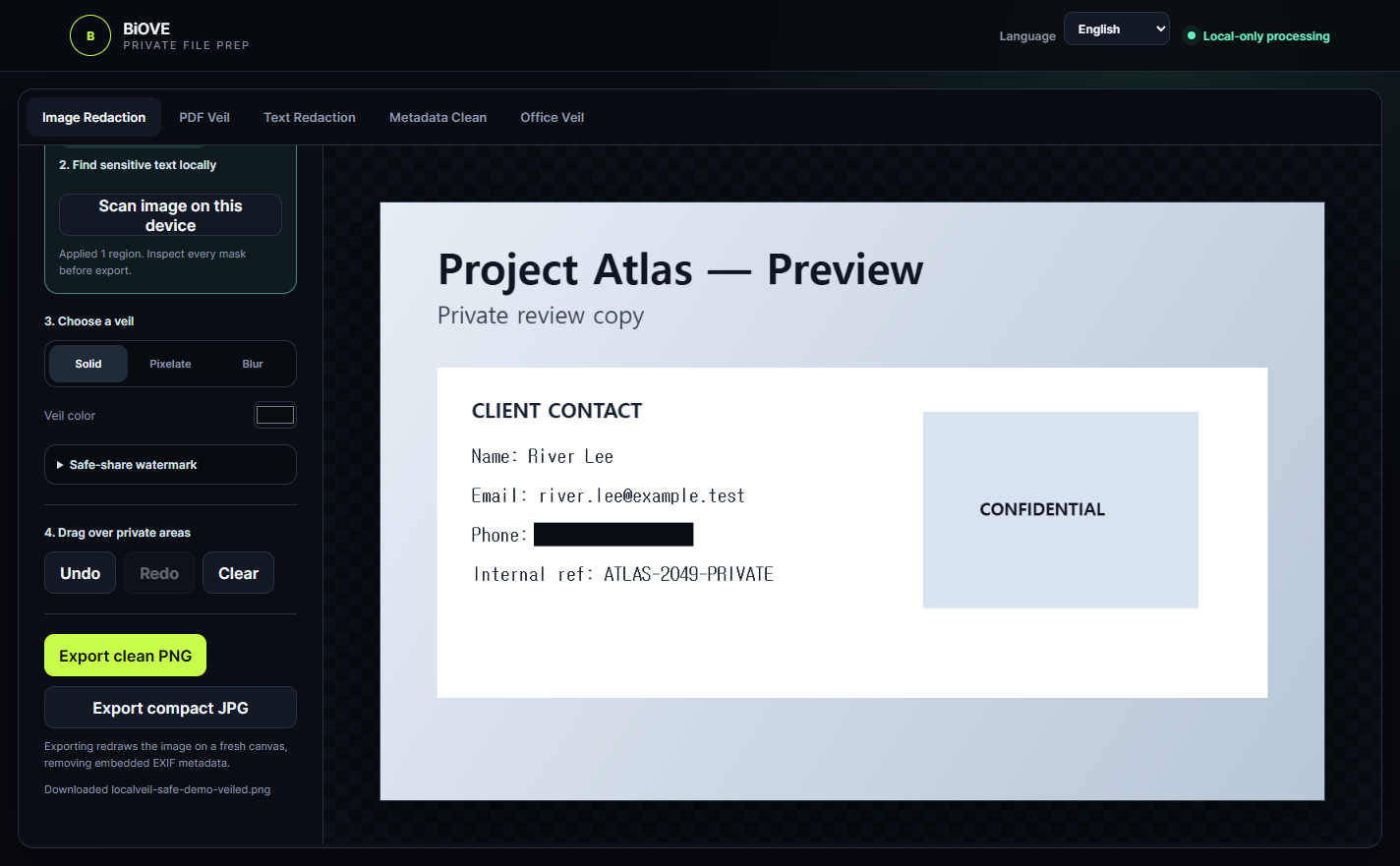
File Mask for AI rasterizes each page into the new PDF. This removes the original selectable text and interactive layers, but it also changes how the document behaves.
Useful for a review copy—not every archive.
Flattening removes selectable text, forms, links, signatures and layers from the output. Searchability, accessibility, signature validity and interactive behavior may be lost. Keep your original and use a specialist PDF tool when those properties must remain.
Choose the correct licence
Test first. Pay only for clean export.
Both routes use the same Windows application. The free Preview is for evaluating the workflow; the one-time Individual licence unlocks the verified export scope for one user.
Windows Preview · $0
Open supported files and inspect the actual local workflow. Image export is permanently watermarked; PDF, Office, text and clean export remain locked.
Individual · $29 once
Unlock clean image export plus the verified PDF, DOCX, XLSX, text and metadata export workflows. No subscription is advertised.
Before you rely on the result
Know the limits.
A truthful redaction workflow includes a final human check and a clear reason to choose another tool.
A good fit when
- You need to prepare a visual review copy on a Windows device.
- You can inspect every page and place the masks yourself.
- You want the source PDF to remain unchanged.
- You do not need the output to keep selectable text, forms, links or signatures.
Use another route when
- The PDF is password-protected, digitally signed or must retain interactive behavior.
- You need certified compliance, legal advice or guaranteed anonymisation.
- You cannot manually verify every page after export.
- Your organisation requires an approved specialist PDF or records-management system.
Does BiOVE upload my PDF?
No file upload is required for the supported app workflow. The PDF is selected from the Windows device in front of you and processed in the desktop application.
Does flattening guarantee that the PDF is safe to share?
No. Flattening removes original selectable text and interactive layers from the new output, but you must still inspect every visible page, mask and surrounding context. The app does not certify or guarantee complete anonymisation.
Can I keep searchable text, forms or signatures?
Not in the flattened PDF export. Use a specialist PDF workflow if those features must remain. Keep the original file unchanged for your records.
Can the free Preview export the redacted PDF?
No. The Preview lets you evaluate the local interface and workflow. PDF export is unlocked by a paid one-time licence.
Does it support macOS?
No. The current verified build is for Windows x64. A macOS version is not advertised.