
 BiOVE File Mask for AILocal Windows workflow
Before a file enters ChatGPT, Claude or Gemini
Prepare a private copy without uploading the original.
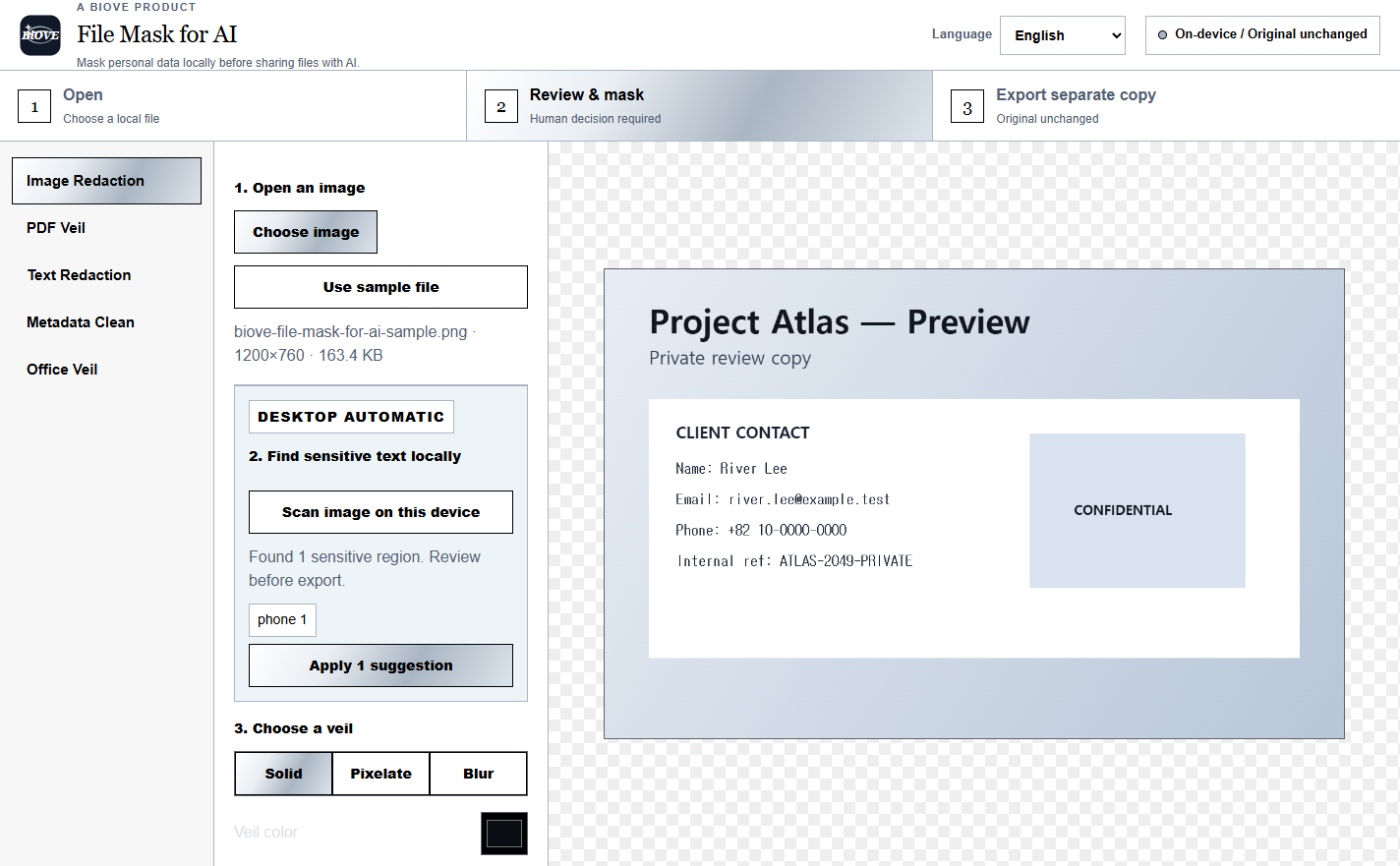
Review images, PDFs, pasted text, Word and Excel files on your Windows device. Mask what should not be shared, then export a separate copy for the next tool.
Windows x64 · v1.5.1 · no cloud account · local processing · human review required
A safer handoff
Keep the preparation step on the device you control.
The app does not send your source file to an AI service. It helps you make another copy before you choose where to share it. Detection can miss content, so you remain the final reviewer.
Open a supported file
Select an image, PDF, DOCX or XLSX, or paste the text you plan to share.
Review and mask
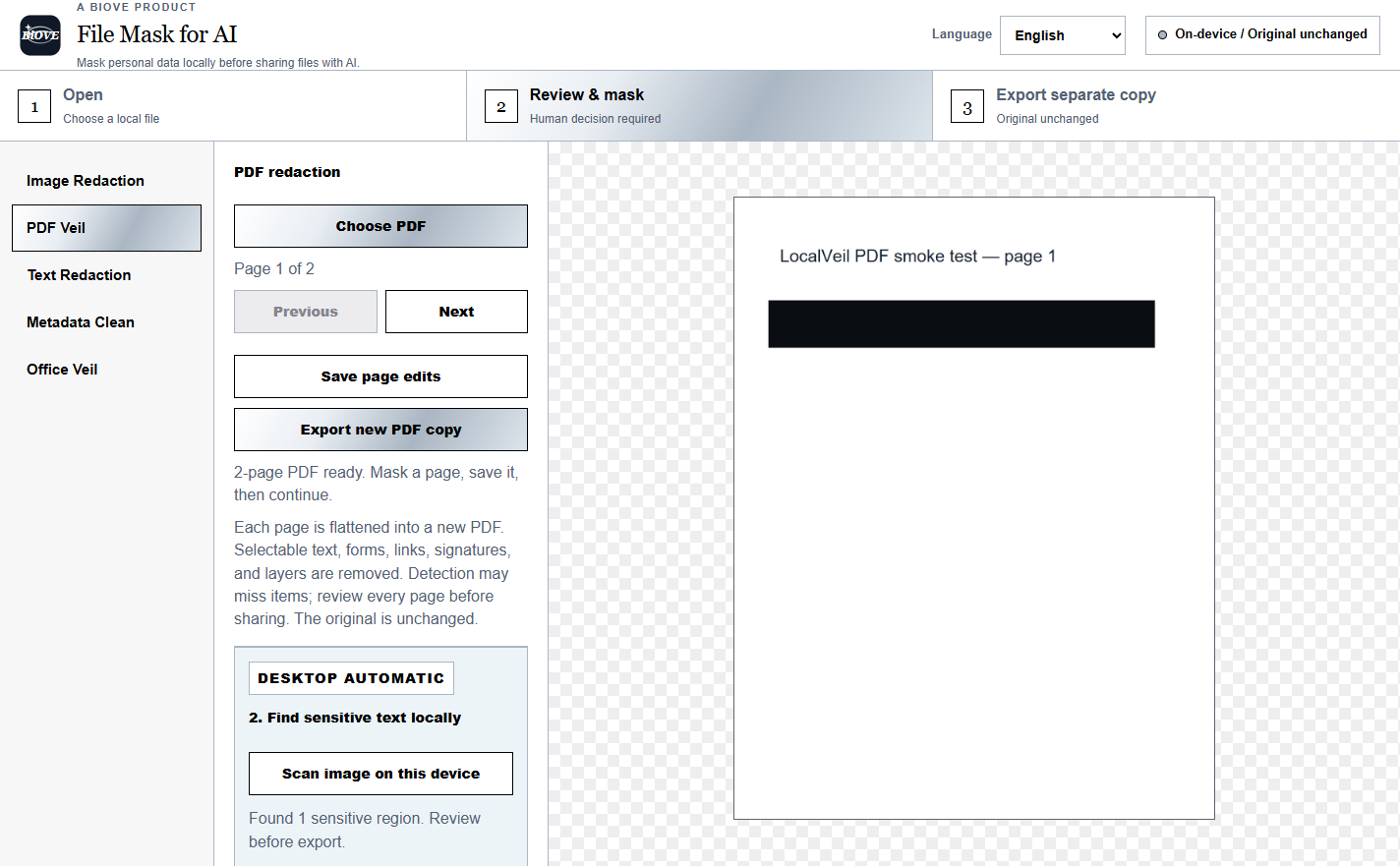
Check local suggestions, add manual masks and inspect every page or finding.
Export another copy
Keep the original and verify the prepared output before it enters an AI tool.
Know the boundary
It is a preparation tool, not a promise of perfect anonymisation.
OCR and pattern detection can miss text, images or context. Review every mask and exported file. The current Windows installer may also show an unsigned or unknown-publisher warning.
Free Preview
- Open and review real files locally
- Test the packaged v1.5.1 app
- PNG/JPG exports carry a permanent Preview mark
- Document and clean exports remain locked
Individual
- $29 one-time
- 1 named user
- Clean image export
- Supported PDF, text and Office exports unlocked
No subscription claim. No cloud account is required for the file-processing workflow. License scope and downloads are shown again at checkout.
Try the real workflow before paying.
Open a synthetic or non-sensitive sample first. Confirm the app fits your Windows process, then choose an edition only if it does.